
Screenshot Pro: Capture and Record Locally in Chrome
How Electro AI Lab built Screenshot Pro — a Chrome extension for full-page screenshots and local screen/tab recording with one-click start.
The challenge
Designers, developers, QA, and marketers need screenshots and short recordings constantly — but switching between tools, cloud uploads, and unclear privacy settings slows the job down.
Our solution
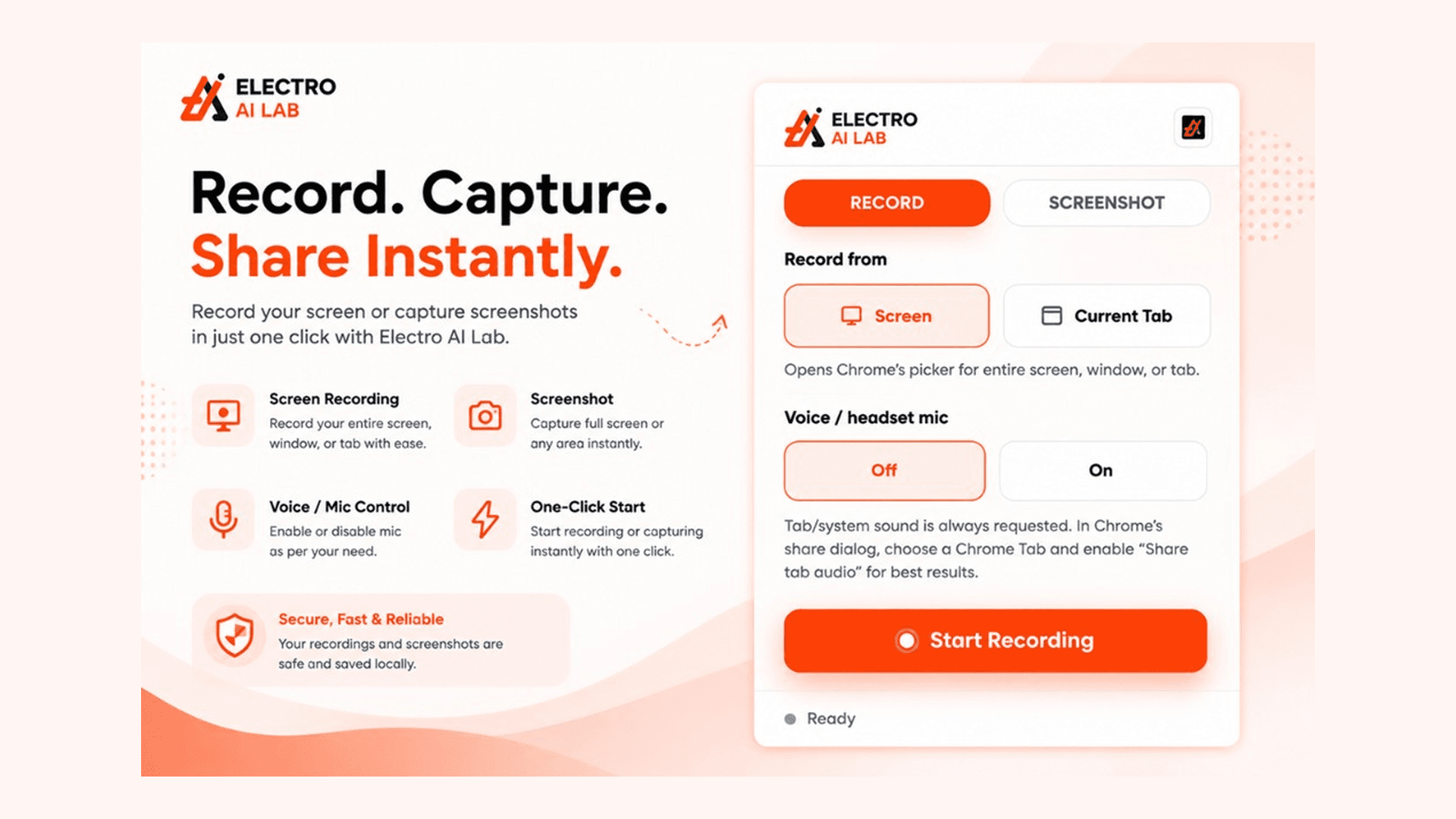
Electro AI Lab launched Screenshot Pro on the Chrome Web Store: record screen or tab, capture full-page or selected screenshots, toggle mic when needed, and keep everything local so capture stays fast and private.
Our approach
We designed a simple RECORD / SCREENSHOT flow with clear source and mic controls, then focused on local saves, preview, download, and clipboard sharing so the extension stays lightweight without forcing accounts for basic capture.
Key features
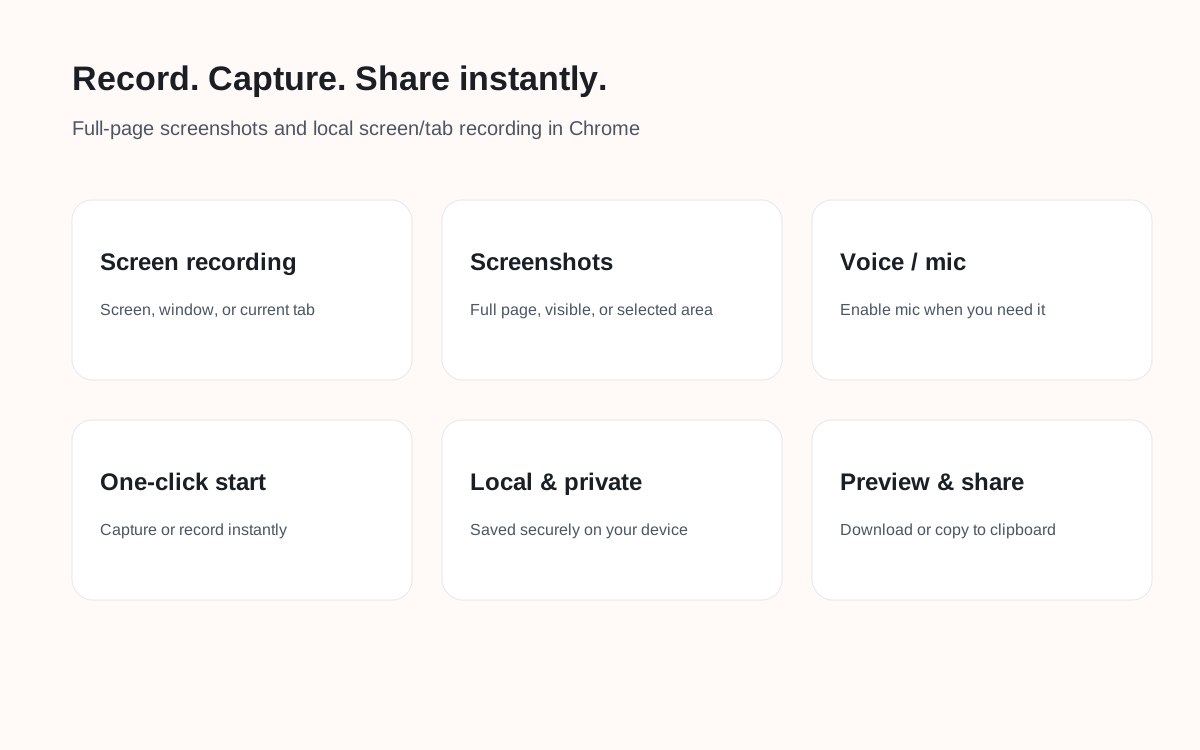
- Record entire screen, window, or current tab
- Full-page, visible-area, and selected-area screenshots
- Voice / mic on/off controls
- One-click start recording or capturing
- Quick preview before save
- Download and copy-to-clipboard options
- Local secure saves on the device
- Built for marketers, developers, QA, and creators
Technologies used
Technical architecture
Screenshot Pro is a Chrome extension that uses browser capture APIs for screen/tab recording and page screenshots. Captures stay on-device by default with preview, download, and clipboard flows — keeping the product fast, lightweight, and privacy-friendly.
Development process
- 1Open Screenshot Pro in Chrome
- 2Choose Record or Screenshot
- 3Pick screen/tab source and mic preference
- 4Capture, preview, then download or copy locally
Outcomes
Chrome Web Store rating for Screenshot Pro
Recording and screenshot capture in one extension
Recordings and screenshots saved on your device
Available on the Chrome Web Store
Project gallery
“Screenshot Pro makes capture feel instant — record a tab or grab a full-page shot without leaving Chrome or uploading files somewhere else.”
Product Team · Electro AI Lab
Frequently asked questions
What is Screenshot Pro?
Screenshot Pro by Electro AI Lab is a Chrome extension for full-page screenshots and local screen/tab recording.
What can I capture?
Record screen, window, or current tab; capture full page, visible area, or a selected region — then preview, download, or copy.
Are captures private?
Yes. Recordings and screenshots are designed to stay local on your device for a secure, fast workflow.
Where can I install it?
Install Screenshot Pro from the Chrome Web Store: https://chromewebstore.google.com/detail/screenshot-pro-by-electro/agdmhfhoicdanojjlmpfekdefbplkjbh
Related case studies
Ready to Transform Your Business?
Partner with Electro AI Lab to build AI-powered software and technology solutions that drive real business growth.